

FREE SHIPPING ON UPS ORDERS OVER $99!

Ergonomic Office Chair Guide: The Best Features Fully Explained

Posted on December 3, 2025 by Alyssa Ochs
Share:

Is there anything worse than working long hours in an uncomfortable office chair? Ergonomic desk chairs allow you to work comfortably all day by helping you maintain good posture. But it can be hard to decipher all the jargon to find the office chair that best suits your needs.

That’s why we’ve put together this comprehensive ergonomic office chair guide, designed to help you understand the features, benefits, and science behind true ergonomic support. Whether you’re furnishing a home office or equipping a workplace, this guide will help you choose a chair that adapts to you.

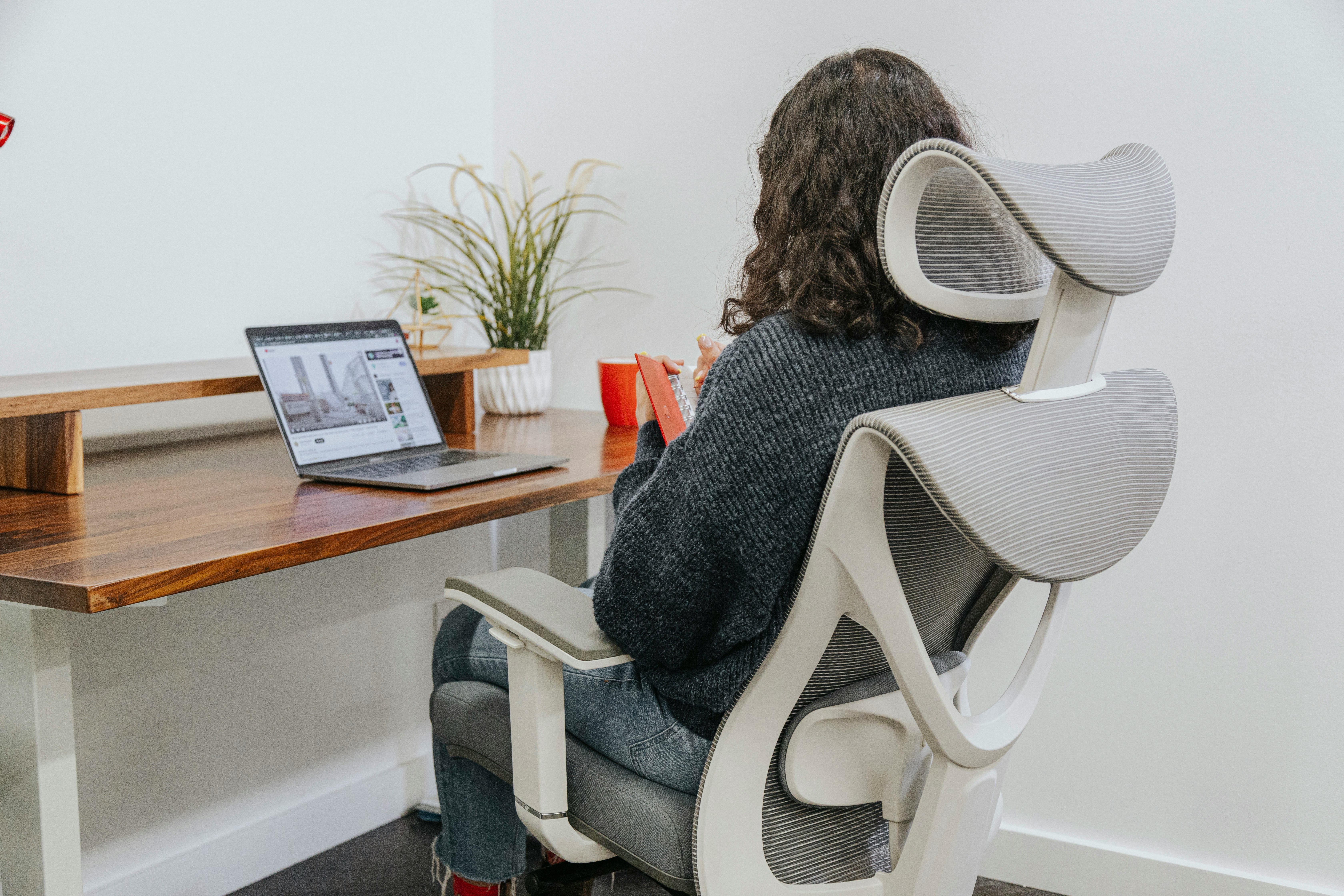
Woman in ergonomic chair

What “Ergonomic” Really Means

The term ergonomic refers to furniture or tools designed to fit the human body, promoting comfort, posture, and efficiency while reducing physical strain. An ergonomic office chair supports the spine’s natural curve, allows for easy movement, and can be adjusted to fit your body type, height, and work setup.

When you sit for long hours, even small adjustments, such as seat height, tilt, and lumbar support, can make a major difference in preventing fatigue, muscle strain, and back pain. The goal of an ergonomic chair is simple: to keep your body properly aligned and supported so you can focus on your work without discomfort.

Why Ergonomics Matter

Modern office work often demands long hours of sitting, which can lead to back pain, neck stiffness, and circulation issues. Over time, poor posture can cause musculoskeletal disorders, tension headaches, and even long-term spinal problems.

An ergonomic chair combats these risks by:

  • Encouraging good posture — keeping your spine aligned and shoulders relaxed.
  • Reducing stress on joints — through seat, backrest, and armrest adjustability.
  • Improving blood circulation — by preventing pressure points and promoting healthy sitting angles.
  • Supporting productivity — because comfort increases focus and reduces fatigue.

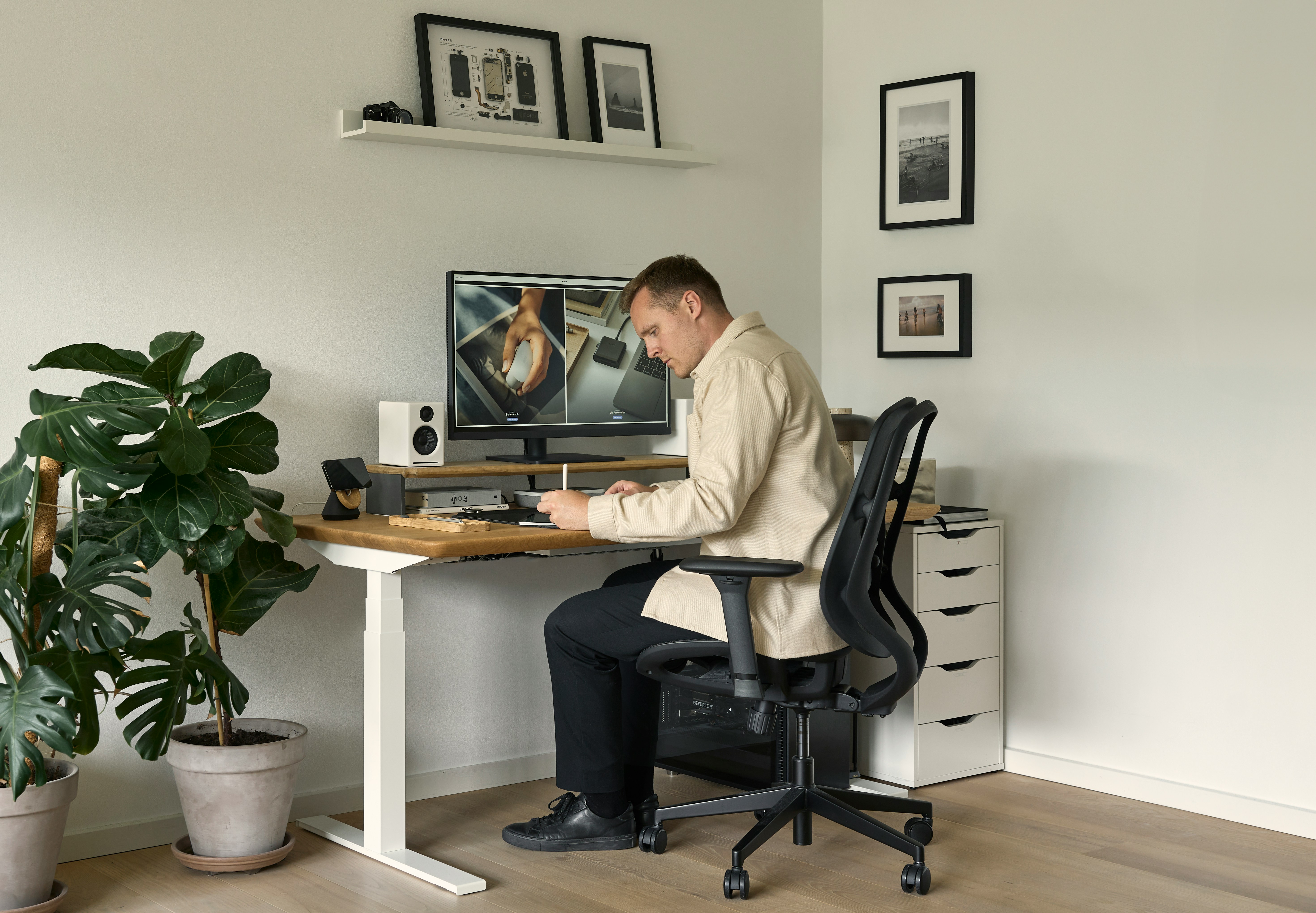
Man in ergonomic chair

How to Sit Properly in an Ergonomic Chair

Even the best chair won’t help if you’re sitting incorrectly. Follow these posture tips to get the full ergonomic benefit:

  • Feet: Flat on the floor (or on a footrest). Avoid crossing your legs.
  • Knees & hips: Keep a 90–100° angle with 2–4 inches of space between the back of your knees and the seat edge.
  • Arms: Forearms parallel to the floor, elbows at a 90° angle, and shoulders relaxed.
  • Back: Press your lower back gently against the lumbar support.
  • Neck: Keep your head balanced over your shoulders, not craned forward.
  • Monitor: Top of the screen should be at or slightly below eye level.

Key Ergonomic Office Chair Features

Below are the most important ergonomic features explained, including what they are, and why they matter.

1. Basic Ergonomic Features

  • Pneumatic Seat Height Adjustment

Quickly raise or lower the seat to ensure your feet rest flat on the floor, thighs remain horizontal, and arms align comfortably with the desk. This adjustability accommodates users of different heights and helps maintain good circulation.

  • Seat Width and Depth

A proper ergonomic seat leaves 2–4 inches between the seat’s edge and the back of your knees. This gap prevents pressure buildup that can restrict blood flow. Adjustable seat depth is ideal for shared workspaces or varied body types.

  • Seat Material and Padding

Breathable mesh or fabric materials help with air circulation, preventing heat and moisture buildup during long sitting sessions. Padded cushions reduce pressure points and enhance comfort.

  • 360° Swivel

Allows you to rotate fully in any direction. This flexibility reduces strain by letting you reach different areas of your desk without twisting your torso.

  • Stable Base with Casters

A five-point (five-star) base prevents tipping and promotes stability. Choose rubber wheels for hard floors and hard casters for carpeted surfaces to ensure smooth, safe movement.


Recommended Best Basic Office Chairs

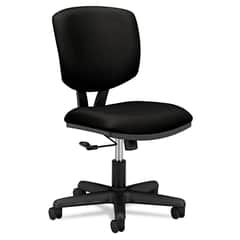
HON® Volt® Series Task Chair
HON® Volt® Task Chair
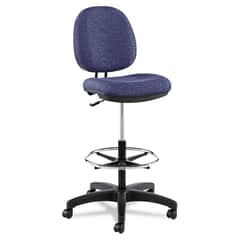
Alera® Interval Series Swivel Task Stool
Alera® Interval Task Stool


2. Reclining and Tilt Features

Tilt features determine how your chair reclines and how much support you feel while leaning back.

  • Tilt

Both seat and back move together at the same angle, maintaining a consistent posture as you recline.

  • Tilt Tension Control

Regulates how easily your chair reclines, allowing you to adjust the resistance for your body weight and comfort.

  • Synchro-Tilt / Knee-Tilt

The backrest reclines more than the seat (usually at a 2:1 ratio), keeping your feet flat on the floor and promoting a more natural reclining posture.

  • Dual-Action Tilt

Enables independent movement of seat and backrest — excellent for multitasking or frequent position changes throughout the day.

  • Tilt Lock

Lets you lock your chair in your preferred recline angle, providing consistent support for focused work or relaxation.

  • Inverse Synchro-Tilt

Automatically regulates tension to reduce fatigue and encourage healthy circulation, especially during extended periods of sitting.

Recommended Best Reclining Office Chairs

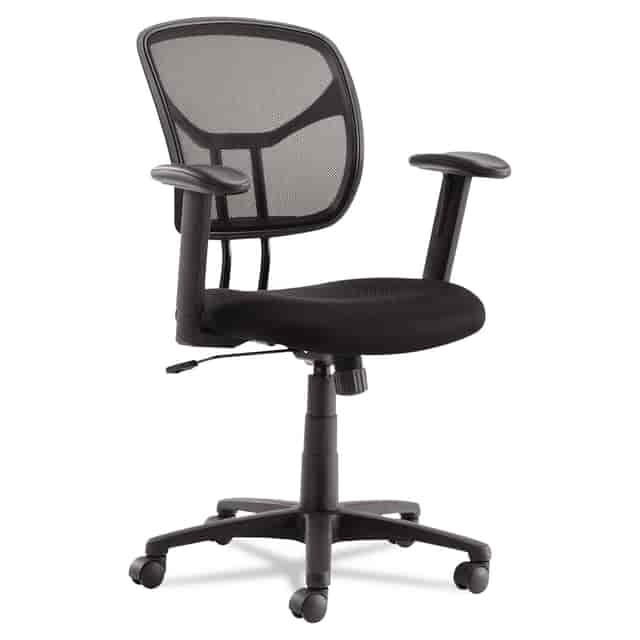
OIFMT4818 Product Image 1

OIF Swivel/Tilt Mesh Task Chair

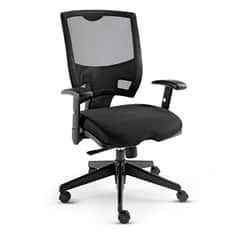
Alera® Epoch Series Fabric Mesh Multifunction Chair
Alera® Mesh Multifunction Chair

3. Back and Posture Support Features

Back support is the defining feature of an ergonomic chair — it keeps your spine’s natural “S” curve intact.


  • Adjustable Backrest Height

Move the chair back up or down to target lumbar support exactly where you need it. Proper alignment relieves stress on the lower spine.

  • Lumbar Support

A good lumbar system supports the inward curve of your lower back, preventing slouching and long-term strain. Some models include integral lumbar support that adjusts vertically or in firmness.

  • Posture Lock

Allows you to fix the backrest angle independently of the seat, ideal for users who prefer an upright posture for typing or reading.

  • Seat Depth Adjustment

Lets you move the seat closer or farther from the backrest to reduce thigh pressure and promote circulation.

  • Headrest (Optional but Recommended)

Supports the upper neck and head, reducing tension in the shoulders and upper torso, especially beneficial for users prone to neck strain or who recline often.

  • Hip Pivot Motion

Allows the back to move with your body while the seat stays stable, maintaining support during small posture changes.

Recommended Best Back Support Office Chairs

Alera® EQ Series Ergonomic Multifunction Mid-Back Mesh Chair
Alera® Ergonomic Mid-Back Mesh Chair

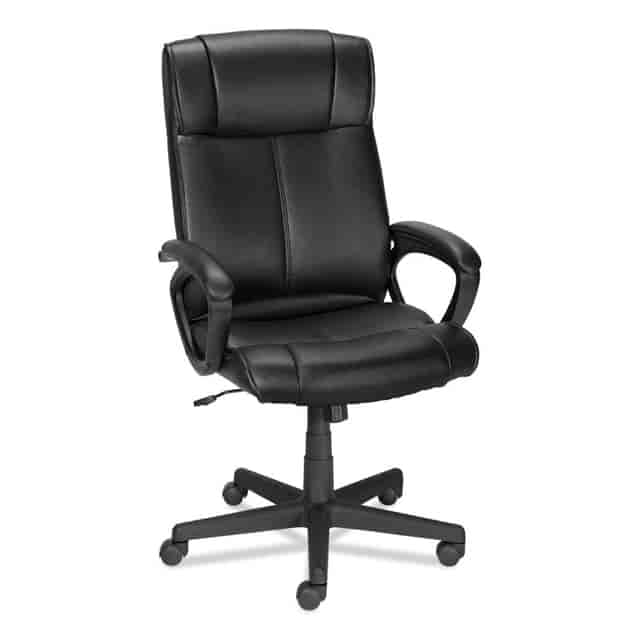
ALEDB41B19 Product Image 1

Alera Alera Dalibor Series Manager Chair


4. Armrest Features

Proper arm support helps reduce shoulder, wrist, and neck strain.

  • Adjustable Armrests

Lets you raise, lower, or pivot the arms to fit your desk height.

  • Ergonomic Tip

Keeps elbows at a 90° angle and shoulders relaxed. Avoid resting arms while typing, since it can increase wrist tension.

  • Width and Depth Adjustability

Allows closer positioning for smaller frames and better forearm alignment.

5. Advanced Comfort and Design Features

To create the most supportive setup, consider the following optional but valuable features:

  • Breathable Backrest

Mesh designs allow airflow to prevent heat buildup.

  • High-Quality Upholstery

Leather or velvet options provide comfort and style while reducing sweat.

  • Caster Wheels by Floor Type

Choose wheel materials based on surface for smooth mobility.

  • Five-Star Base Stability

Distributes weight evenly and prevents tipping.

  • Customizable Adjustability

Ideal for shared desks or multi-user offices where frequent adjustments are needed.

Office with multiple ergonomic setups

Health Benefits of an Ergonomic Chair

  1. Prevents Back Pain: Lumbar and backrest adjustments reduce spinal compression and slouching.
  2. Improves Circulation: Adjustable seat depth and tilt minimize thigh pressure.
  3. Reduces Fatigue: Proper posture decreases muscular tension and energy drain.
  4. Boosts Productivity: Comfort allows for longer focus and fewer breaks due to discomfort.
  5. Supports All Body Types: Wide adjustability ensures proper ergonomics for various users and working styles.

Ergonomic Chairs vs. Standard Office Chairs

Feature Ergonomic Chair Standard Chair
Adjustability Multi-point (seat, back, armrests, tilt) Multi-point (seat, back, armrests, tilt)Multi-point (seat, back, armrests, tilt)
Lumbar Support Multi-point (seat, back, armrests, tilt) Minimal or none
Material Breathable, padded, high-quality Basic, often non-breathable

Posture Support

Promotes neutral alignment Often encourages slouching
Long-Term Comfort Designed for all-day use Suitable only for short periods

Upgrade to the Best Ergonomic Office Chairs for All-Day Comfort and Productivity

An ergonomic office chair isn’t just a luxury — it’s an investment in your health, comfort, and productivity. The right chair adapts to you, not the other way around. Whether you’re outfitting a home office or upgrading workplace seating, understanding these features ensures that you choose a chair that supports every aspect of your workday.

When you invest in a high-quality ergonomic chair, you’re investing in better posture, reduced back pain, and a more energized workday.

Shop the best ergonomic office chairs at On Time Supplies, featuring top-rated brands, fast shipping, and bulk order savings for businesses and home offices alike.

Complete your ergonomic workspace with our full selection of office chairs, stools, and seating accessories, office desks, and chair mats for smooth mobility and surface protection.

For extra comfort, explore backrests and seat cushions, chair arms, and other chair accessories designed to enhance your ergonomic setup and support long workdays in total comfort.

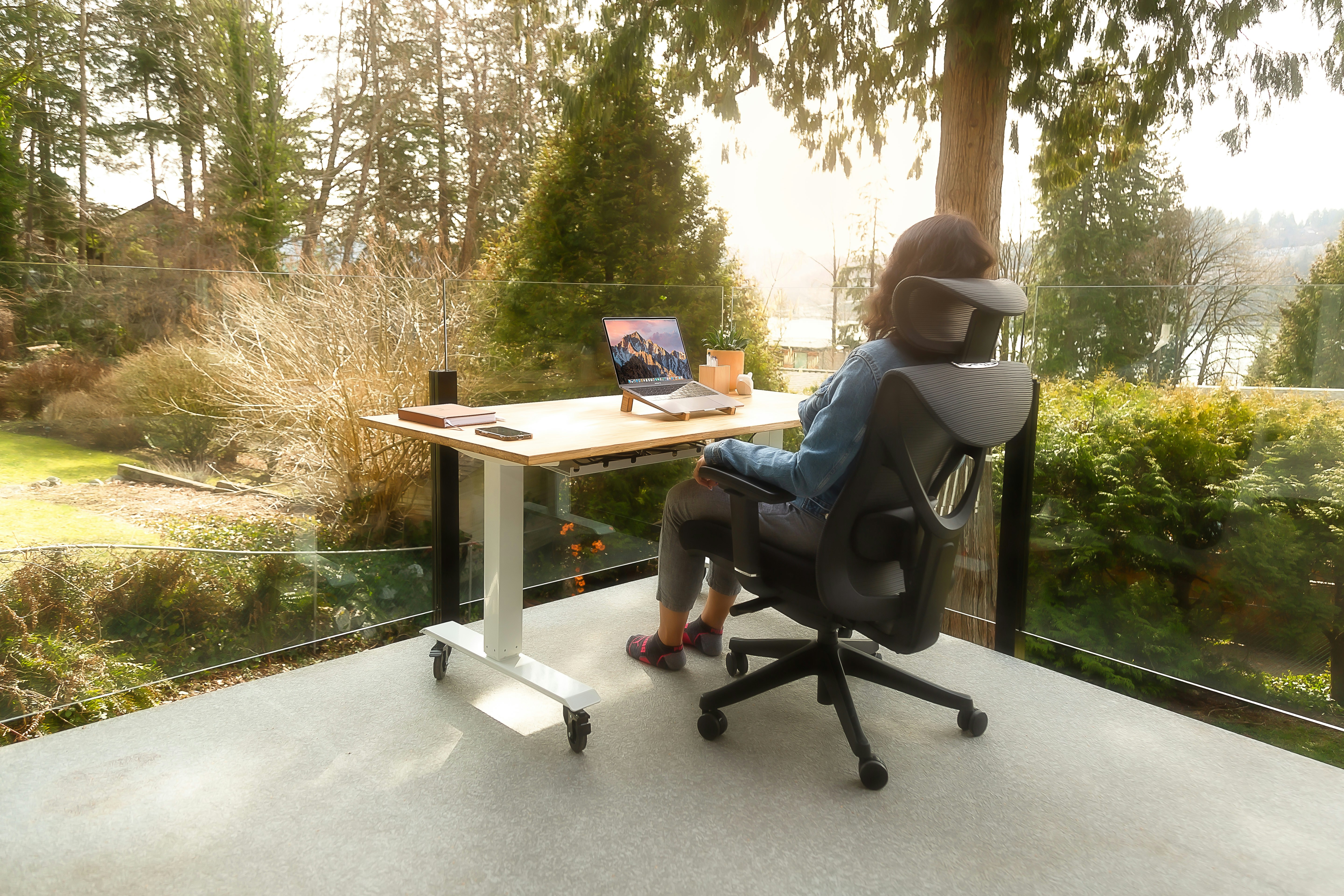
Outside view from ergonomic setup

FAQs About Ergonomic Office Chairs

1. What does “ergonomic” mean in a chair?
It means the chair is designed to support your body’s natural posture, reducing strain and improving comfort during long periods of sitting.

2. How do I adjust my chair for the best results?
Keep your feet flat, knees at 90°, back supported, and arms aligned with the desk. Adjust lumbar support and seat depth to relieve pressure points.

3. Are ergonomic chairs worth it?
Absolutely. They reduce long-term back pain, improve posture, and can enhance focus and productivity — often paying for themselves in health benefits.

4. Can an ergonomic chair help with back pain?
Yes. By maintaining proper spine alignment and relieving pressure on muscles and joints, they’re one of the most effective non-medical ways to prevent or alleviate back pain.

5. What should I look for in an ergonomic chair?
Adjustable seat height, lumbar support, seat depth, tilt tension, breathable materials, and a stable five-star base.


Questions & Answers

  • We are:
  • Inc 500 Award Winner
  • GSA Contract Vendor
  • HP Authorized Seller
  • SSL Protected
  • High Customer Rating
  • BBB A+ Rating
  • TrustedSite Certified Secure